구글 클라우드 플랫폼을 사용하여 연동한다.
OAuth토큰 사용
포스트맨 (Postman) 사용
구글 클라우드 플랫폼
https://console.cloud.google.com/
Google Cloud Platform
하나의 계정으로 모든 Google 서비스를 Google Cloud Platform을 사용하려면 로그인하세요.
accounts.google.com
프로젝트 만들기 -> 프로젝트명을 정하고 생성
OAuth 동의 화면 구성하기
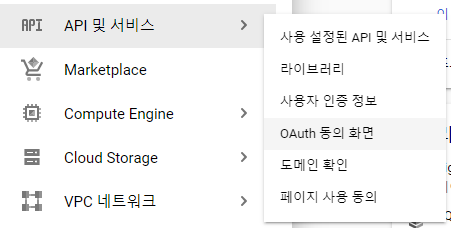
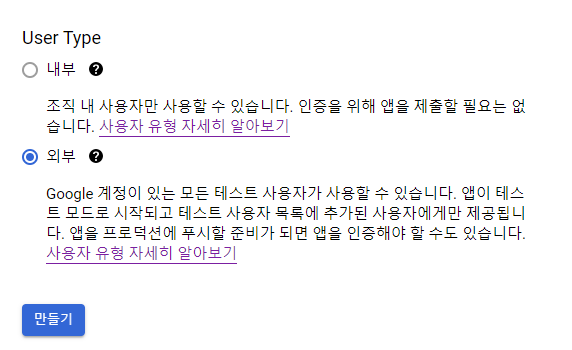
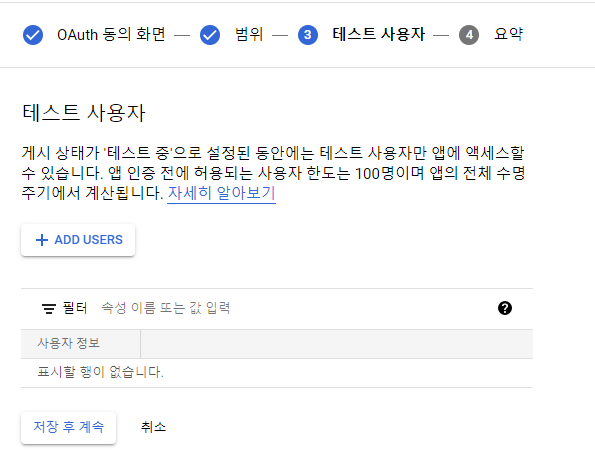
- 여기에 등록하지 않으면 사용 못함
- 등록하지 않고도 사용하기 위해서는 공식배포를 해야함
OAuth 클라이언트 ID 만들기
동의화면을 다 구성하여 생성하였다면
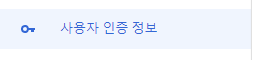
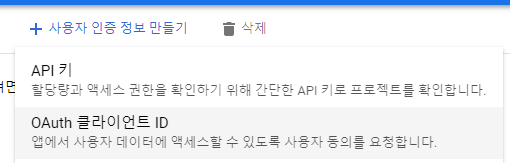
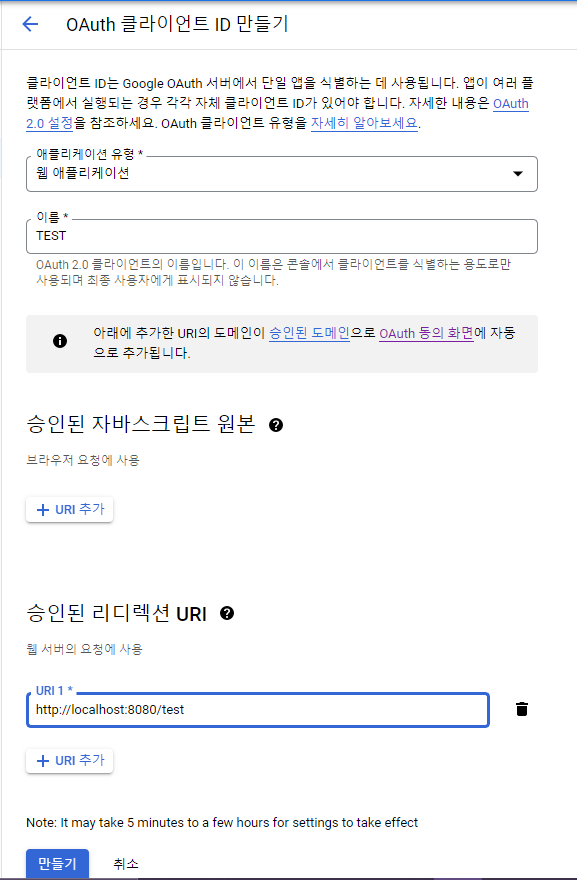
링크
https://accounts.google.com/o/oauth2/v2/auth?
scope=https%3A%2F%2Fwww.googleapis.com%2Fauth%2Fcalendar&
access_type=offline&
include_granted_scopes=true&
response_type=code&
state=state_parameter_passthrough_value&
redirect_uri=http%3A%2F%2Flocalhost%3A8080%2Ftest&
client_id={클라이언언트 아이디}
- scope : 접근범위 (위는 구글캘린더의 예시)
- access_type : offline (access token 새로고침)
- response_type : 반환할것
- redirect_uri : OAuth 클라이언트 ID를 생성할때 입력한 승인된 리디렉션 URI를 urlencode 한 것
https://meyerweb.com/eric/tools/dencoder/
URL Decoder/Encoder
meyerweb.com
- client_id : OAuth 클라이언트 ID를 생성하고 발급받은 클라이언트 ID

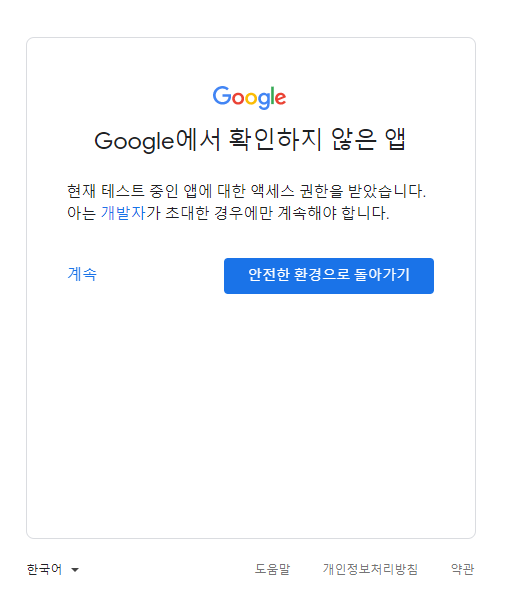
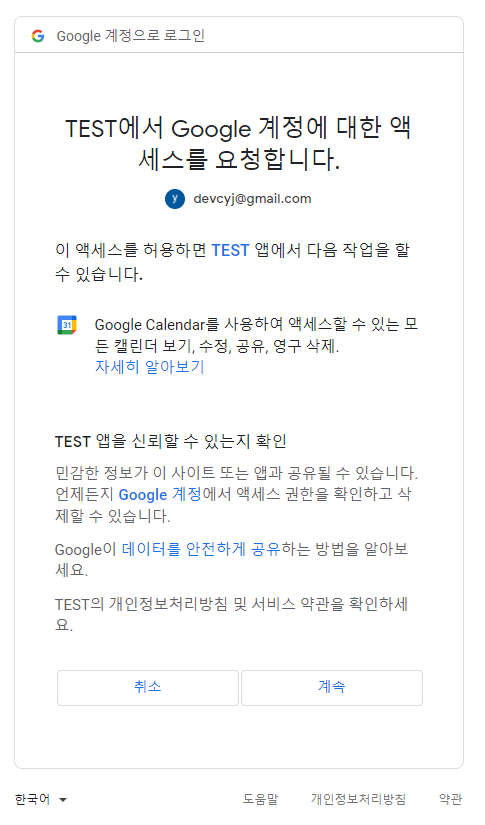
이렇게 구성을 갖춘 url로 접속하면
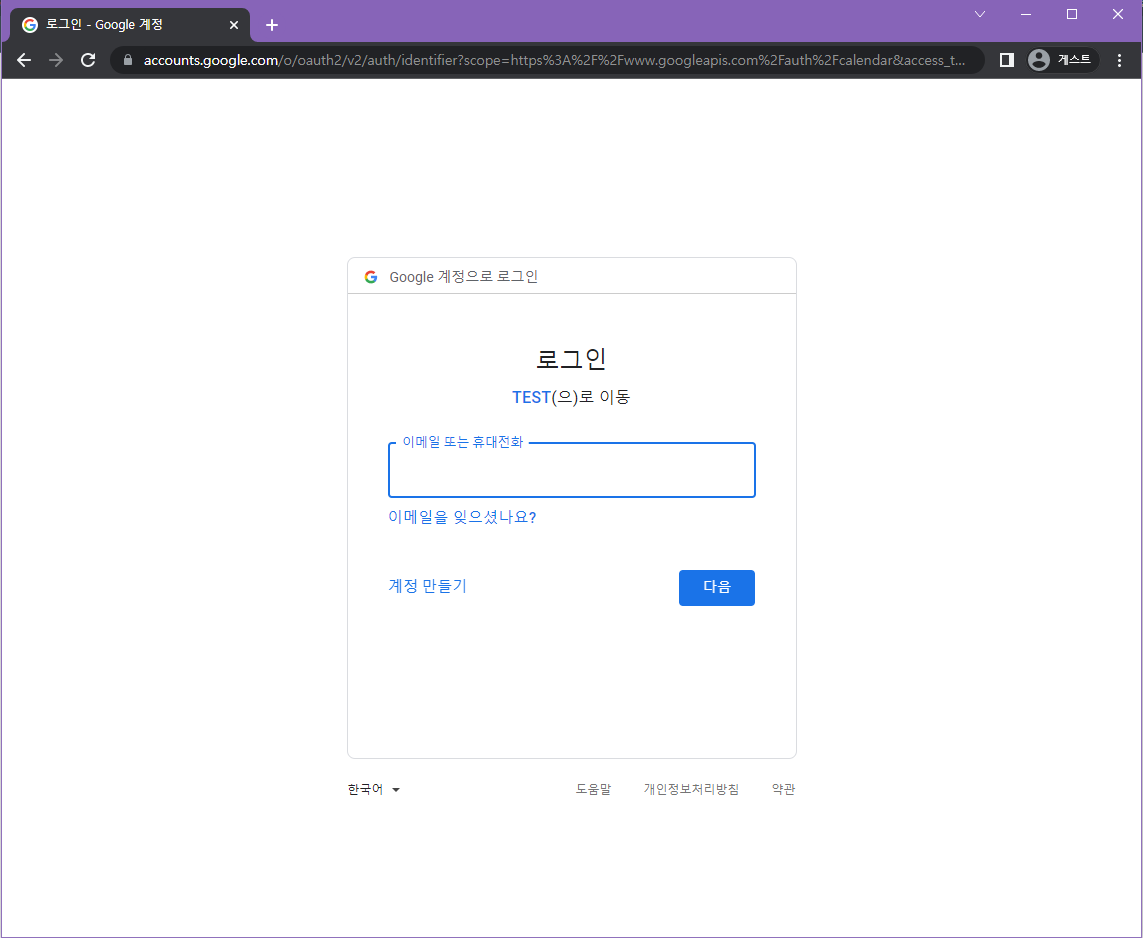
- 여기에 OAuth 동의화면을 구성할때 등록한 테스트 사용자만 로그인하여 접근가능
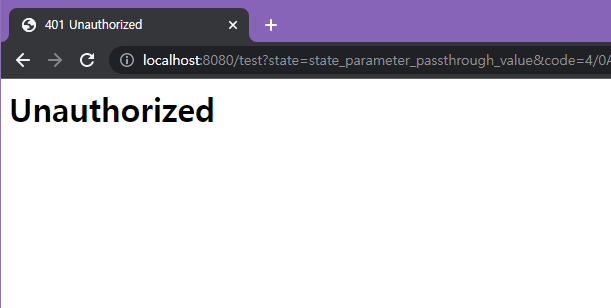
http://localhost:8080/test?state=state_parameter_passthrough_value&
code={코드}&
scope=https://www.googleapis.com/auth/calendar
에서 {코드}에 해당하는 부분 저장
엑세스 토큰 얻기
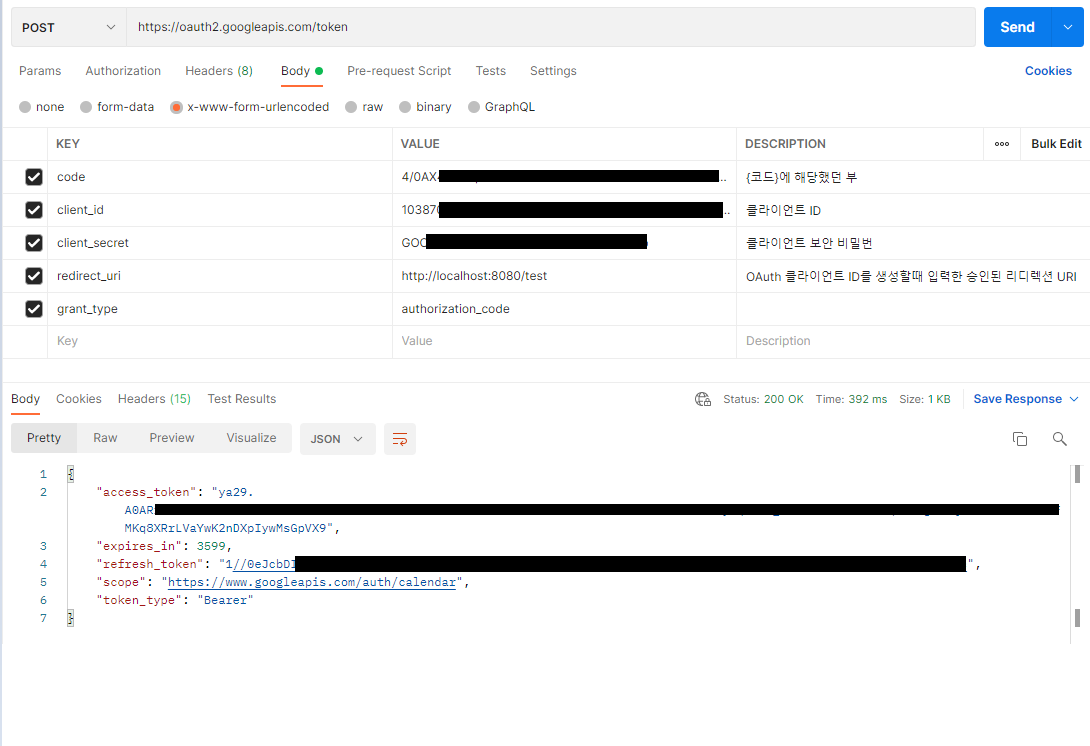
access token과 refresh token을 기억해두자
access token의 유효기간은 1시간이다.
*refresh token이 없다면
기본적으로 refresh token은 access token을 처음 발급받을때만 넘겨준다.
refresh token을 계속 발급받고 싶다면 이걸 사용하자
access_type=offline
response_type=code
를 추가
https://accounts.google.com/o/oauth2/auth?
scope=https%3A%2F%2Fwww.googleapis.com%2Fauth%2Fcalendar&
access_type=offline&
response_type=code&
state=state_parameter_passthrough_value&
prompt=consent&
redirect_uri=https%3A%2F%2Fsteadhr.com%2Fdashboard%3Fcalendar&
client_id={클라이언언트 아이디}
- prompt : 사용자 동의 화면 제공 (cosent-> 메시지 표시 O)
사용자 동의 화면에서 동의를 해야 refresh token 이 발급된다.
'📁ETC. > 🪢 API Connection' 카테고리의 다른 글
| [API] 구글캘린더API(2) - 이벤트 추가 (포스트맨 사용) (0) | 2022.04.09 |
|---|---|
| [API] 구글캘린더 API (1) - 캘린더 list 호출 (0) | 2022.04.04 |
| [API] 구글 엑세스토큰(access token) 재발급 받기 (1) | 2022.04.02 |
| [API] Slack 슬랙 API 연동 -OAuth (0) | 2022.03.16 |